
Color Picker Tool 🎨
HEX: #ffffff
RGB: rgb(255, 255, 255)
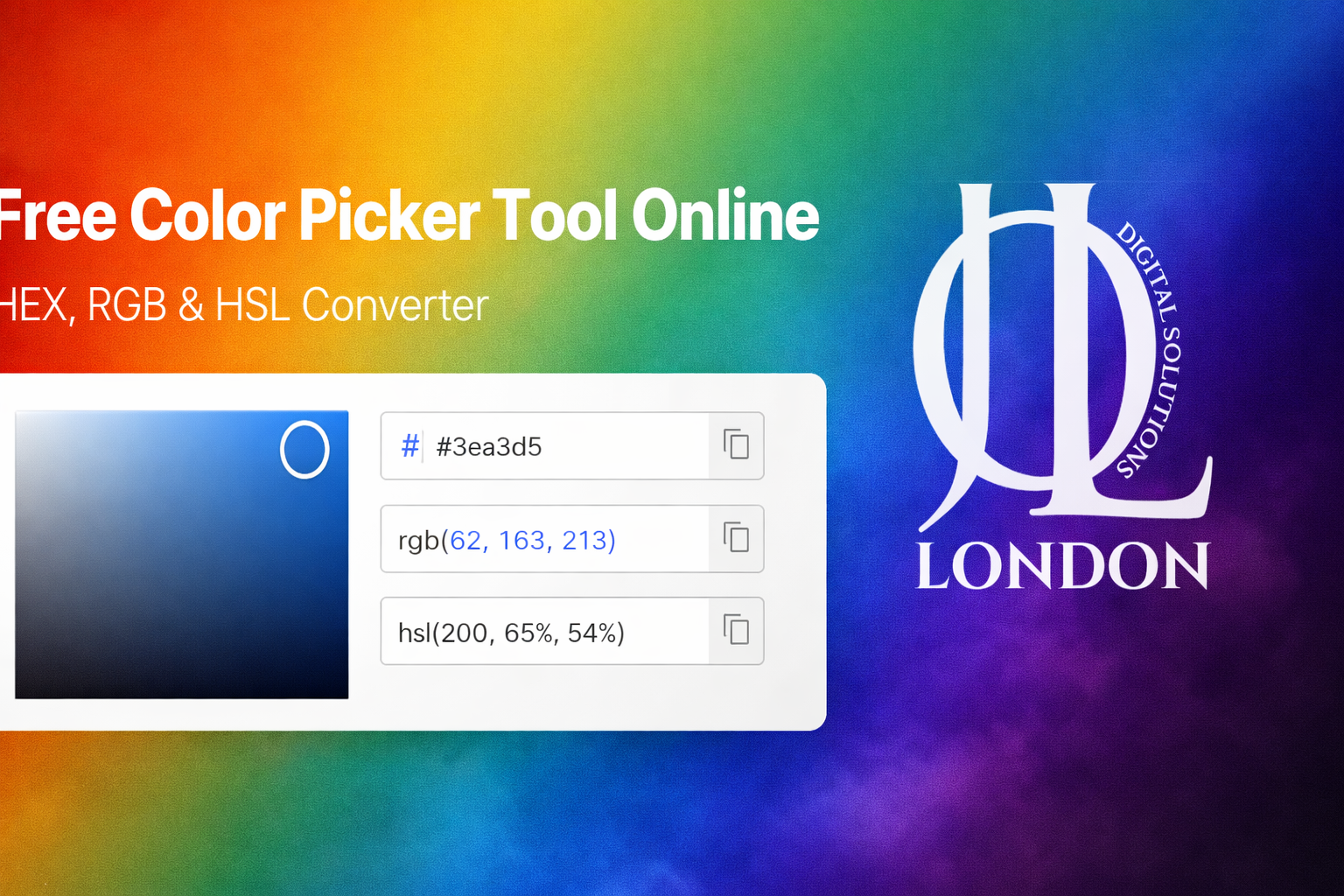
Color Picker Tool Online for free (HEX, RGB, HSL Converter)
Looking for an online Color Picker Tool that lets you instantly select and convert color codes? You’re in the right place.
The Jollondon Free Color Picker Tool allows designers, developers, digital marketers, and creators to quickly choose colors and generate accurate HEX, RGB, and HSL color codes in seconds.
Whether you're building a website, designing graphics, creating branding materials, or customizing UI elements, this online color picker makes your workflow faster and more efficient.
What is a Color Picker Tool?
A color picker tool is an online utility that allows users to:
-
Select any color visually
-
Generate HEX color codes
-
Convert RGB to HEX
-
Convert HEX to RGB
-
Get HSL color values
-
Copy color codes instantly
It’s an essential tool for:
-
Graphic designers
-
App developers
-
UI/UX designers
-
Social media creators
Why Use Our Free Color Picker Tool?
There are many color tools online, but here’s why Jollondon stands out:
100% Free
No registration required. No hidden fees.
Instant HEX, RGB & HSL Conversion
Automatically converts selected colors into:
-
HEX (#FFFFFF)
-
RGB (255, 255, 255)
-
HSL (0°, 0%, 100%)
Easy Copy Feature
Copy color codes with one click.
Mobile Friendly
Works smoothly on desktop, tablet, and mobile.
Accurate Color Selection
Precise digital color selector for web and graphic projects.
How to Use the Online Color Picker Tool
Using our free HTML color picker tool is simple:
- Open the color picker.
- Drag the selector to choose your desired color.
- Adjust brightness and saturation.
- Instantly view HEX, RGB, and HSL values.
- Click to copy your preferred format.
That’s it! No technical skills required
Understanding Color Code Formats
HEX Color Code
HEX (Hexadecimal) is the most commonly used format in web design.
Example:Â #FF5733
Used in:
-
HTML
-
CSS
-
Web development
RGB Color Code
RGB stands for Red, Green, Blue.
Example: rgb(255, 87, 51)
Used in:
-
Digital screens
-
Web design
-
App interfaces
HSL Color Code
HSL stands for Hue, Saturation, and Lightness.
Example: hsl(9, 100%, 60%)
Used in:
-
Advanced UI styling
-
CSS animations
-
Design adjustments
Who Needs a Free Online Color Picker?
Our color code generator tool is ideal for:
Web Developers
Quickly grab color codes for CSS styling.
Graphic Designers
Match brand colors accurately.
App Developers
Select consistent UI color schemes.
Digital Marketers
Create visually appealing social posts and ads.
E-commerce Store Owners
Design product banners and promotional graphics.
High-Ranking Use Cases
People search for:
-
Best and free
-
Online HEX to RGB converter
-
HTML color picker free
-
Color code generator online
-
Pick color from screen online
-
Convert RGB to HEX instantly
Our tool covers all these needs in one simple interface.
Why Color Selection Matters in Web Design
Choosing the right color affects:
-
Brand recognition
-
User experience
-
Conversion rates
-
Emotional impact
-
Website readability
For example:
-
Blue builds trust
-
Red creates urgency
-
Green represents growth
-
Black adds luxury
Using a professional online color selector tool ensures precision and consistency.
Benefits for SEO & Branding
Using consistent and optimized colors:
-
Improves website aesthetics
-
Increases user engagement
-
Reduces bounce rate
-
Enhances readability
-
Strengthens brand identity
A properly designed website with the right colors performs better in search rankings due to improved user experience signals.
Features of Jollondon Color Picker Tool
- Real-time color preview
- Instant HEX to RGB conversion
- RGB to HEX converter
- HSL value generator
- Easy copy-to-clipboard
- Fast loading speed
- No watermark
- No account required
Pro Tips for Choosing the Right Color
- Keep contrast high for readability.
- Use no more than 3–4 primary colors.
- Test colors on mobile and desktop.
- Maintain brand consistency.
- Use complementary colors for balance.
Frequently Asked Questions (FAQ)
1. Is this color picker tool completely free?
Yes, our free color picker tool online is 100% free with no registration required.
2. Can I convert HEX to RGB using this tool?
Absolutely. The tool automatically converts HEX to RGB and RGB to HEX instantly.
3. Does this tool work on mobile devices?
Yes. It is fully responsive and works smoothly on smartphones, tablets, and desktops.
4. What is the difference between HEX and RGB?
HEX is a hexadecimal color format used mainly in web design, while RGB represents colors using red, green, and blue values.
5. Can I use the generated color codes in HTML and CSS?
Yes. All generated color codes are fully compatible with HTML, CSS, JavaScript, and design software.
6. Is this better than other online color pickers?
Our tool is:
-
Fast
-
Free
-
Accurate
-
Easy to use
-
No login required
It combines multiple features in one simple interface.
Final Words
If you're looking for the best free color picker tool online, Jollondon provides a simple, powerful, and accurate solution.
From generating HEX color codes to converting RGB and HSL values, this tool is perfect for designers, developers, and digital creators.
Start using our online color picker tool today and make your design workflow faster and smarter.