Remove Backgrounds for Free in Seconds
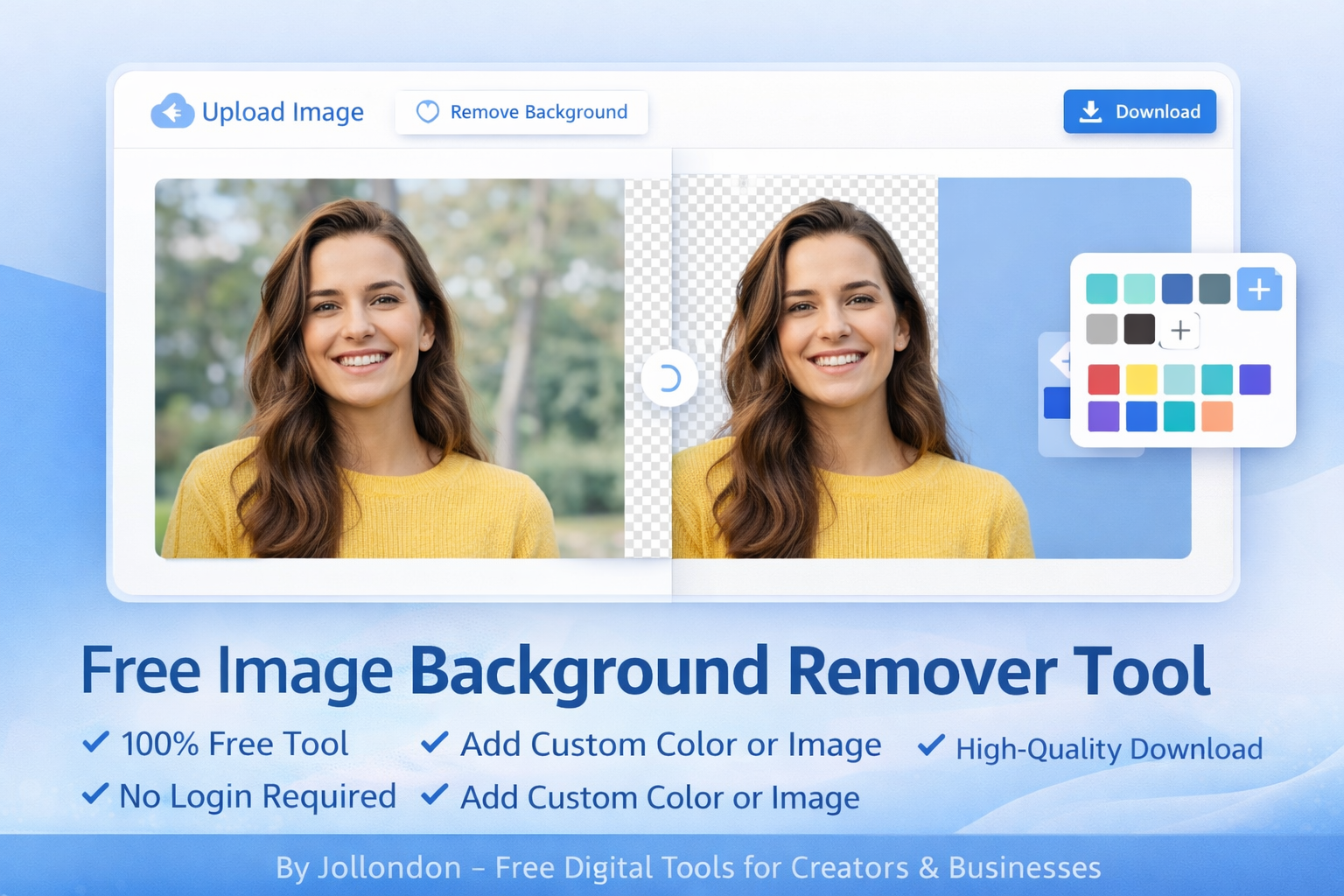
Free image background remover. Upload your photo and remove the background instantly. You can also set a custom color or image background.
Free Image Background Remover & Custom Background Editor – Jollondon
Welcome to Jollondon’s Free Image Background Remover Tool — the easiest way to remove, change, and customize image backgrounds online. Whether you're a designer, business owner, student, or content creator, our tool helps you create professional images in seconds — 100% free, no login required.
With Jollondon, you can:
- Remove background automatically
- Add a custom solid color
- Add your own background image
- Download high-quality results instantly
What Is an Image Background Remover?
An image background remover is a tool that cuts out the main subject from an image and removes the background. This is perfect for:
• Product photos
• Profile pictures
• Website graphics
• Social media posts
• Marketing creatives
Jollondon’s tool uses smart detection to give you clean, sharp edges with zero effort.
Why Use Jollondon’s Free Background Remover?
- 100% Free Online Tool
- No Sign-Up Required
- Works on Desktop & Mobile
- Fast AI-Powered Processing
- Supports JPG, PNG, WebP
- Custom Background Colors
- Upload Your Own Background Image
- High-Quality Downloads
Plus, Jollondon offers many other free digital tools like:
• PDF tools (merge, split, compress, convert)
• Image editors & converters
• Marketing utilities
• SEO tools
• Business productivity tools
All in one place
How to Remove Image Background Online (3 Easy Steps)
- Upload your image
- Background is removed automatically
Choose:
• Transparent background
• Custom color
• Custom image background - Download your edited image
Who Is This Tool For?
This tool is perfect for:
• E-commerce sellers
• Digital marketers
• Designers
• Students & teachers
• Content creators
• Social media managers
• Small businesses
Use Cases
• Create product photos for Amazon, Shopify, Etsy
• Make YouTube thumbnails
• Design Instagram posts
• Create website banners
• Make logos & profile images
FAQs – Image Background Remover Tool
Q1: Is Jollondon’s image background remover free?
Yes! Our tool is 100% free with no hidden charges.
Q2: Do I need to create an account?
No. You can use the tool instantly without signing up.
Q3: Can I add my own background image?
Yes. After removing the background, you can upload your own custom background image.
Q4: What image formats are supported?
You can upload JPG, PNG, and WebP files.
Q5: Is this tool mobile friendly?
Yes. Jollondon’s tools work perfectly on mobile, tablet, and desktop.
Q6: Will the image quality stay high?
Yes. Your downloaded image will be in high resolution.