Convert PDF to JPG for free in Seconds
Fast, private, and secure — convert PDF pages into JPG images directly in your browser.
Drag & drop your PDF here or
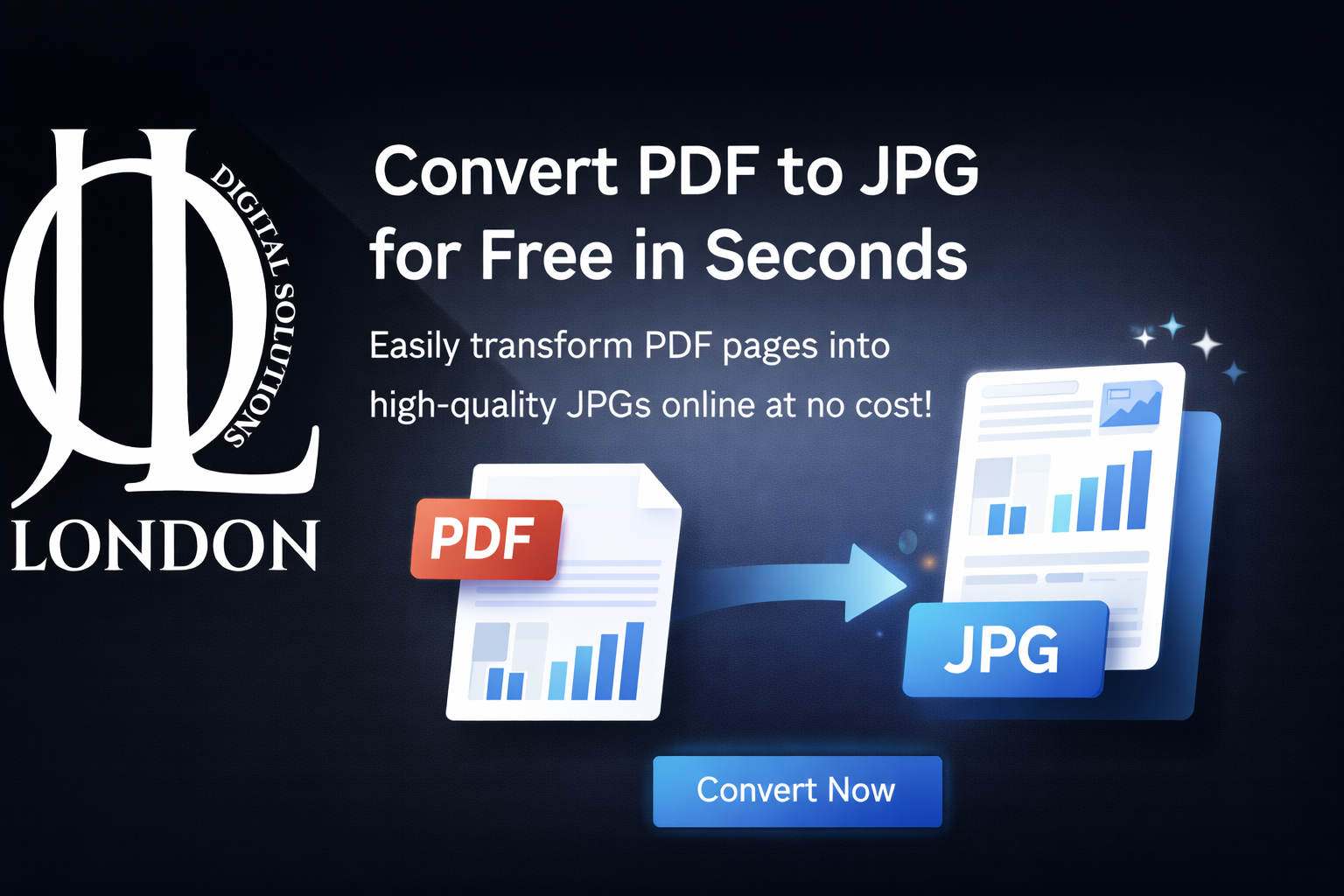
Convert PDF to JPG Free in Seconds – Fast Online Tool
Convert PDF to JPG for free online in seconds. High-quality, secure, and easy PDF to JPG conversion — no signup or downloads needed!
Welcome to Jollondon’s fast and free online PDF to JPG converter. If you’re looking for a simple, reliable way to convert PDF pages into JPG images, you’re in the right place. Our tool is built to be intuitive, secure, and ultra-fast — perfect for users of all experience levels.
Transform PDF files into high-quality JPG images instantly with our free online converter. Our tool lets you convert PDF to JPG for free in just a few seconds — no software, no registration, and no watermarks. Whether you're creating images for designs, presentations, blogs, or social media, this PDF to JPG converter delivers sharp and accurate results fast.
Why Choose Our PDF to JPG Converter?
Quick & Free
Instantly convert your PDF files without paying or signing up.
High-Quality JPG Output
Preserves image clarity, text sharpness, and accurate color.
Safe & Secure
Your files are deleted automatically after conversion — your privacy is protected.
Works on All Devices
Supports desktop, tablet, and mobile browsers.
Multi-Page Support
Convert all pages or select specific ones to turn into JPG images.
How It Works (Step-by-Step)
- Upload Your PDF
Click “Choose file” or drag & drop your PDF into the upload area. - Choose Settings
Decide if you want one JPG per page or multiple images. - Convert PDF to JPG
Click “Convert” — the tool processes your file in seconds. - Download Your Images
Get your JPG files instantly and save them to your device.
Benefits of Converting PDF to JPG
- Easy to share on websites and social media
- Great for image-rich PDF content
- Ideal for presentations, portfolios, and visuals
- Smaller file sizes compared to PDF
Common Use Cases
- Designers converting PDF graphics
- Students turning lecture notes into images
- Photographers creating JPG previews
- Businesses sharing product pages
Frequently Asked Questions (FAQs)
Q1: Is this PDF to JPG converter really free?
Yes — you can convert PDF to JPG for free without signing up or downloading software.
Q2: How fast is the conversion?
Most PDF files are converted to JPG images in just a few seconds.
Q3: Can I convert multiple pages at once?
Absolutely! You can convert each page of your PDF into a separate JPG file.
Q4: Will my files remain private?
Yes — all files are deleted from our servers shortly after conversion to ensure your privacy.
Q5: Is there a limit on file size?
Large files are supported, but very big PDFs may take slightly longer to process. We recommend files under 50 MB for best results.
Q6: What devices are supported?
The converter works on laptops, desktops, tablets, and mobile phones — no compatibility issues.
Start Converting Now
Ready to turn your PDFs into high-quality JPGs? Upload your file above and get professional-level JPG images in seconds — completely free!