
How to Create an ATS-Friendly CV in 2026 | Jollondon

How to Create an ATS-Friendly CV in 2026 | Jollondon

The Ultimate Guide to Beating the Applicant Tracking System

Have you ever applied for your dream job online, only to hear nothing back? It's a frustrating experience that millions of job seekers face every year. In 2026, the primary reason for these silent rejections is the Applicant Tracking System (ATS).

An ATS is software used by over 75% of large companies to filter resumes before a human recruiter ever sees them. If your CV isn't formatted correctly, or if it lacks the specific keywords from the job description, the software will automatically reject it. In this guide, we will show you exactly how to create an ATS-friendly CV that gets past the bots and into the hands of hiring managers.

What is an Applicant Tracking System?

An Applicant Tracking System is a database that helps HR departments manage the massive volume of applications they receive. When you apply for a job online, your resume is scanned by this software. The ATS extracts text from your document, categorizes your skills and experience, and assigns you a "match score" based on how well you fit the job description.

If your score is too low, you are automatically filtered out. Therefore, optimizing your resume for ATS readability is the most critical step in modern job hunting.

7 Rules for an ATS-Friendly CV

To ensure the software can read your resume accurately, follow these seven essential rules:

1. Use Standard Formatting

Avoid creative layouts, columns, tables, text boxes, and graphics. ATS software struggles to read complex designs and often scrambles the text. Stick to a simple, single-column layout with standard fonts like Arial, Calibri, Garamond, or Times New Roman.

2. Use Standard Section Headings

Do not get creative with your section titles. Use "Work Experience," "Education," "Skills," and "Summary." If you use a non-standard heading like "My Professional Journey," the ATS may not recognize where your experience section begins and fails to parse your work history.

3. Optimize for Keywords

The ATS is looking for exact matches to the job description. If the job posting asks for "Project Management," do not just write "managed projects." Use the exact terminology found in the listing.

4. Avoid Headers and Footers

Do not put your contact information (name, phone number, email) in the header or footer section of a Word document. Many ATS scanners ignore headers and footers entirely. Put your contact details at the very top of the main document body.

5. Use Standard Bullet Points

Use standard circular bullet points for your experience. Do not use arrows, checkmarks, or custom symbols, as the ATS may read them as gibberish characters.

6. Submit the Right File Format

While many modern ATS can read PDF files, the safest format is a Microsoft Word document (.docx). If the application specifically requests a PDF, ensure it is a text-based PDF, not an image scan.

7. Include Both Acronyms and Full Terms

If the job description mentions "Search Engine Optimization (SEO)," include both the full phrase and the acronym in your skills section. The ATS may be programmed to look for either one.

How to Use AI to Build Your CV

Writing a resume that is both visually appealing and technically optimized for an ATS can be difficult. This is where AI tools become invaluable. Instead of staring at a blank page, you can use AI to generate action-oriented bullet points and tailor your summary to the specific role you are applying for.

However, not all AI tools produce ATS-friendly layouts. You must use a tool specifically designed for applicant tracking systems. The Jollondon AI CV Builder is a free tool that generates professional, ATS-optimized resumes in seconds.

With the Jollondon AI CV Builder, you simply input your basic experience, and the AI will format it into a clean, single-column layout using standard headings. It will also suggest relevant keywords based on your industry, ensuring your resume has a high chance of passing the software filters.

Step-by-Step: Building Your ATS CV

Step 1: Find a job description you want to apply for.

Step 2: Highlight all the hard skills (software, languages) and soft skills (leadership, communication) mentioned in the listing.

Step 3: Open an AI CV Builder (like the Jollondon tool) and input your past job titles and duties.

Step 4: Use the AI to rewrite your duties, incorporating the highlighted keywords from Step 2.

Step 5: Download the resume as a .docx or PDF file.

Step 6: Upload your optimized CV to the company's application portal.

Conclusion

The job market in 2026 is highly competitive, but understanding how Applicant Tracking Systems work gives you a massive advantage. By keeping your formatting simple, focusing heavily on keywords, and using AI tools like the Jollondon AI CV Builder, you can ensure your resume reaches the desk of a human recruiter.

Start optimizing your resume today, and watch your callback rate increase.

Best AI Content Detector for Free

Best AI Content Detector for Free

Best AI Content Detector for Free in 2026

Are you searching for the Best AI Content Detector for Free?

Click here

With the rise of AI writing tools like ChatGPT and other AI content generators, it has become essential to verify whether content is human-written or AI-generated. Whether you are a student, teacher, blogger, editor, or business owner, detecting AI-generated text is now a crucial step in maintaining originality and authenticity.

In this guide, we will explain everything about free AI content detection tools, how they work, their accuracy, and how to choose the best one.

What Is an AI Content Detector?

An AI content detector is an online tool that analyzes text and determines whether it was written by a human or generated by artificial intelligence.

It works by:

  • Examining sentence structure

  • Identifying predictable patterns

  • Measuring text probability

  • Analyzing linguistic consistency

  • Detecting AI writing signatures

These tools use machine learning models trained on both human-written and AI-generated content.

Why You Need the Best AI Content Detector for Free?

Users commonly search for:

  • AI text detector free

  • Detect AI-generated text

  • Free AI plagiarism checker

  • Best AI writing detector

  • Online AI detection tool

Here’s why AI detection matters:

  • Academic integrity
  • Content authenticity
  • Avoiding search engine penalties
  • Client transparency
  • Quality control
  • Editorial verification

If you publish content online, AI detection helps maintain credibility.

How AI Content Detectors Work

AI detection tools use:

Probability Analysis

AI-generated text often has predictable word patterns.

Perplexity Measurement

Human writing usually shows higher variation in complexity.

Burstiness Detection

AI text tends to have consistent sentence lengths, while humans vary more.

Machine Learning Classification

Advanced models compare input text against large datasets.

The result is usually displayed as:

  • Percentage of AI content

  • Human-written probability score

  • AI detection confidence level

Features of the Best AI Content Detector for Free

When choosing the best AI content detector for free, look for:

High Accuracy Rate

Reliable AI probability scoring.

Fast Analysis

Instant results within seconds.

Free Usage

No hidden subscription fees.

Plagiarism Integration

Checks both AI content and originality.

Privacy Protection

Secure text processing without storage.

User-Friendly Interface

Simple and clean dashboard.

AI Content Detector vs Plagiarism Checker

Many users confuse AI detection with plagiarism detection.

Feature AI Content Detector Plagiarism Checker
Detects AI Writing Yes No
Checks Duplicate Content No Yes
Measures Text Patterns Yes No
Compares Online Sources No Yes
Best For Authenticity Check Originality Check

Both tools serve different purposes. For complete verification, use both.

Who Should Use AI Content Detection Tools?

Students

To ensure assignments meet originality requirements.

Teachers

To verify if submissions are AI-generated.

Bloggers

To maintain authentic content.

Agencies

To ensure client content transparency.

Publishers

To protect editorial integrity.

Businesses

To maintain SEO trustworthiness.

Why AI Detection Matters for SEO

Search engines prioritize:

  • Original content

  • Valuable information

  • Human-centered writing

Although AI content is not automatically penalized, low-quality AI-generated content can impact rankings.

Using an AI content detector ensures:

  • Higher content credibility
  • Better user trust
  • Improved content quality
  • Compliance with editorial standards

Is It Safe to Use Free AI Content Detectors?

Security is important.

Choose tools that:

  • Encrypt submitted text

  • Do not store content

  • Delete data after analysis

  • Protect user privacy

Always read the privacy policy before submitting sensitive documents.

Benefits of Using a Free AI Content Detector

Improves Content Quality

Helps refine writing to sound more natural.

Maintains Academic Integrity

Prevents AI misuse in educational settings.

Enhances SEO Trust

Search engines prefer quality, human-focused content.

Builds Client Confidence

Ensures transparency in content creation.

Limitations of AI Content Detection

No AI detector is 100% perfect.

Possible limitations:

  • False positives

  • False negatives

  • Difficulty detecting heavily edited AI text

  • Varying accuracy across tools

Always combine AI detection with human review.

Pro Tips to Avoid AI Detection (For Ethical Use)

If you use AI tools responsibly:

  1. Edit content manually.
  2. Add personal insights.
  3. Improve sentence variation.
  4. Include real examples.
  5. Add data and research references.

This ensures natural and valuable content.

How to Choose the Best AI Content Detector for Free

When selecting a tool, consider:

  • Accuracy percentage

  • Speed

  • Data privacy

  • User interface

  • Word limit

  • Additional features

The best AI text detector free tool should balance reliability and usability.

Frequently Asked Questions (FAQ)

1. What is the best AI content detector for free?

The best free AI content detector is one that provides accurate probability scores, fast results, and secure data handling without hidden fees.

2. Are AI content detectors accurate?

Most tools offer good accuracy but are not 100% perfect. Results should be used as guidance, not final judgment.

3. Can AI detection tools detect ChatGPT content?

Yes, many AI detectors are trained to identify patterns commonly found in AI-generated text.

Is AI-generated content bad for SEO?

Not necessarily. Low-quality AI content can harm SEO, but high-quality, human-edited AI content can perform well.

5. Do free AI content detectors store my data?

Reputable tools do not store submitted text. Always check privacy policies.

6. Can AI-written text bypass detection?

Heavily edited AI text may reduce detection probability, but no method guarantees complete bypass.

7. Is AI detection the same as plagiarism checking?

No. AI detection identifies machine-generated patterns, while plagiarism tools detect copied content.

Final Thoughts

As AI writing tools continue to grow, using the best AI content detector for free has become essential for students, businesses, educators, and content creators.

AI detection tools help maintain:

  • Authenticity

  • Transparency

  • Academic integrity

  • SEO credibility

  • Content quality

While no tool is perfect, combining AI detection with human editing ensures reliable and trustworthy content.

If you want to maintain originality and protect your reputation, using a free AI content detection tool is a smart and necessary step in 2026.

PDF to Word Converter | Convert PDF to Editable Word Online

PDF to Word Converter | Convert PDF to Editable Word Online

PDF to Word Converter – Convert PDF Files into Editable Word Documents

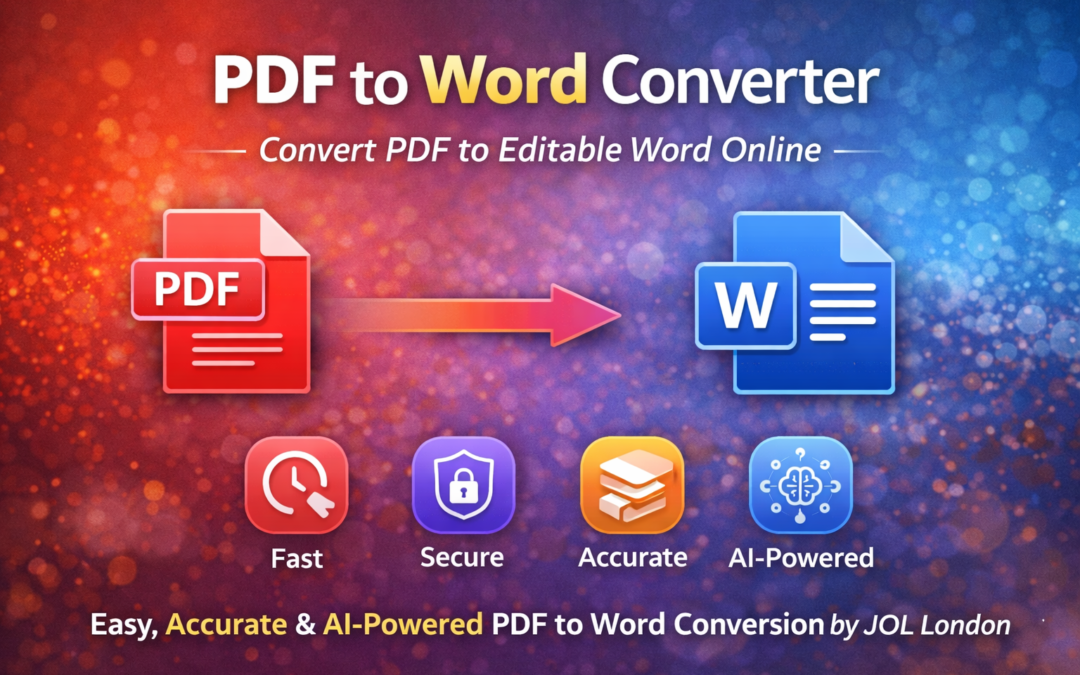
A PDF to Word converter is an essential digital tool for businesses, professionals, students, and marketers who need to edit or reuse PDF content. PDFs are ideal for sharing, but they are not easy to modify. That’s where a reliable PDF to Word conversion solution becomes invaluable.

At JOL London, we provide a fast, accurate, and AI-powered PDF to Word converter that transforms static PDF files into fully editable Microsoft Word documents without losing formatting.

Why Use a PDF to Word Converter?

PDF files are designed for consistency, not flexibility. Converting them into Word format allows you to:

  • Edit text and images easily

  • Reuse content for reports or proposals

  • Update contracts and business documents

  • Modify academic or training materials

  • Save time on manual retyping

A professional PDF to Word converter online simplifies document management and boosts productivity.

Key Features of JOL London’s PDF to Word Converter

Fast & Accurate Conversion

Our AI-driven engine ensures high accuracy while preserving:

  • Fonts

  • Layout

  • Tables

  • Images

Secure File Processing

Your files are processed securely and automatically deleted after conversion to protect your privacy.

Supports All PDF Types

  • Scanned PDFs

  • Text-based PDFs

  • Business & legal documents

Online & Device Friendly

Convert PDFs to Word on:

  • Desktop

  • Mobile

  • Tablet

No installation required.

How to Convert PDF to Word Online

Using our PDF to Word converter is simple:

  1. Upload your PDF file
  2. AI analyses the document
  3. Conversion starts instantly
  4. Download your editable Word file

The entire process takes just seconds

Who Can Benefit from PDF to Word Conversion?

A PDF to Word converter is useful for:

  • Businesses & enterprises

  • Students & educators

  • Legal & finance professionals

  • Marketing teams

  • Freelancers & consultants

Whether you need a single document or bulk conversion, the tool adapts to your workflow

AI-Powered PDF to Word Conversion

Modern document conversion relies on AI and OCR technology. JOL London uses advanced AI algorithms to:

  • Detect text accurately

  • Preserve document structure

  • Extract images and tables correctly

  • Reduce formatting errors

This makes the tool AI Overview friendly and future-ready for evolving digital document standards.

PDF to Word Converter vs Manual Editing

Feature Manual Editing PDF to Word Converter
Time Required High Very Low
Accuracy Medium High
Formatting Often lost Preserved
Productivity Low High

Automated conversion saves time and reduces errors significantly.

Why Choose JOL London for PDF to Word Conversion?

JOL London is a trusted digital and AI solutions provider offering reliable document conversion tools.

Our Advantages:

  • AI-powered conversion accuracy

  • Fast & secure processing

  • User-friendly interface

  • Business-grade reliability

  • Trusted by global users

Our tools are designed to meet professional and enterprise-level standards.

Final Thoughts

A powerful PDF to Word converter removes the limitations of static documents and gives you full control over your content. Whether for business, education, or personal use, converting PDFs into editable Word files improves efficiency and workflow.

With JOL London’s PDF to Word Converter, you get speed, accuracy, and security — all in one simple solution.

Frequently Asked Questions (FAQs)

1. What is a PDF to Word converter?

A PDF to Word converter is a tool that transforms PDF files into editable Microsoft Word documents.

2. Does converting PDF to Word affect formatting?

With AI-powered tools like JOL London’s converter, formatting such as fonts, tables, and layouts is largely preserved.

3. Is the PDF to Word converter free to use?

Free and premium options may be available depending on file size and advanced features.

4. Can scanned PDFs be converted to Word?

Yes, AI and OCR technology allows scanned PDFs to be converted into editable Word documents.

5. Is my data safe during conversion?

Yes, files are securely processed and automatically deleted after conversion.

Best SEO Tools for 2026

Best SEO Tools for 2026

Best SEO Tools: The Ultimate Guide to Dominate Google Rankings

Using the Best SEO Tools for 2026 is no longer optional — it’s essential. If you want to grow your website traffic and rank higher on Google, these tools help you analyze competitors, track rankings, optimize content, and fix technical issues that impact your visibility.

At Jollondon, we rely on powerful SEO tools to deliver consistent growth and long-term success for our clients.

Why SEO Tools Are Important

The right SEO tools allow you to:

✔ Discover profitable keywords
✔ Analyze competitors
✔ Improve website performance
✔ Track rankings and traffic
✔ Identify technical SEO problems
✔ Build authority and backlinks

Without them, SEO becomes guesswork.

These are the Best SEO Tools for 2026

Google Search Console

Monitor:

  • Search performance
  • Indexing issues
  • Core Web Vitals
  • Keyword impressions & clicks

Google Analytics 4 (GA4)

Track:

  • User behavior
  • Conversions
  • Traffic sources
  • Engagement metrics

Ahrefs

Perfect for:

  • Backlink analysis
  • Keyword research
  • Competitor tracking
  • Content gap analysis

SEMrush

All-in-one SEO suite for:

  • Keyword research
  • Site audits
  • Rank tracking
  • PPC research

Ubersuggest

Affordable and beginner-friendly tool for:

  • Keyword ideas
  • Domain overview
  • SEO audits

Screaming Frog SEO Spider

Technical SEO powerhouse:

  • Crawl errors
  • Broken links
  • Duplicate content
  • Metadata issues

Yoast SEO Plugin

For WordPress optimization:

  • On-page SEO analysis
  • Readability checks
  • Schema integration
  • XML sitemap generation

Surfer SEO

Optimize content with real-time SERP data and AI-driven recommendations.

Moz Pro

Excellent for:

  • Domain authority tracking
  • Keyword difficulty
  • Link building research

GTmetrix & PageSpeed Insights

Improve page speed and user experience — major ranking factors.

How Jollondon Uses SEO Tools for Client Success

At Jollondon, we combine multiple SEO tools into one powerful strategy:

✔ Keyword research + content planning
✔ Technical SEO audits
✔ Competitor analysis
✔ Backlink campaigns
✔ Conversion optimization
✔ Local SEO tracking

This data-driven approach delivers sustainable rankings and real business growth.

Final Thoughts

Using the best SEO tools gives you the clarity, precision and competitive edge needed to dominate modern search engines. When paired with expert strategy, these tools become powerful growth engines for your business.

Let Jollondon guide your SEO success with the right tools and proven methods.

FAQs

What are the best SEO tools for beginners?

Ubersuggest, Google Search Console, and Yoast SEO.

Which SEO tool is best for backlinks?

Ahrefs and SEMrush.

Can Jollondon manage SEO for my business?

Yes — Jollondon offers full-service SEO solutions for businesses of all sizes.

Off Page SEO Techniques

Off Page SEO Techniques

Off Page SEO Techniques | Powerful SEO Guide 2026 – Jollondon

Off Page SEO Techniques: The Complete Guide for Higher Google Rankings

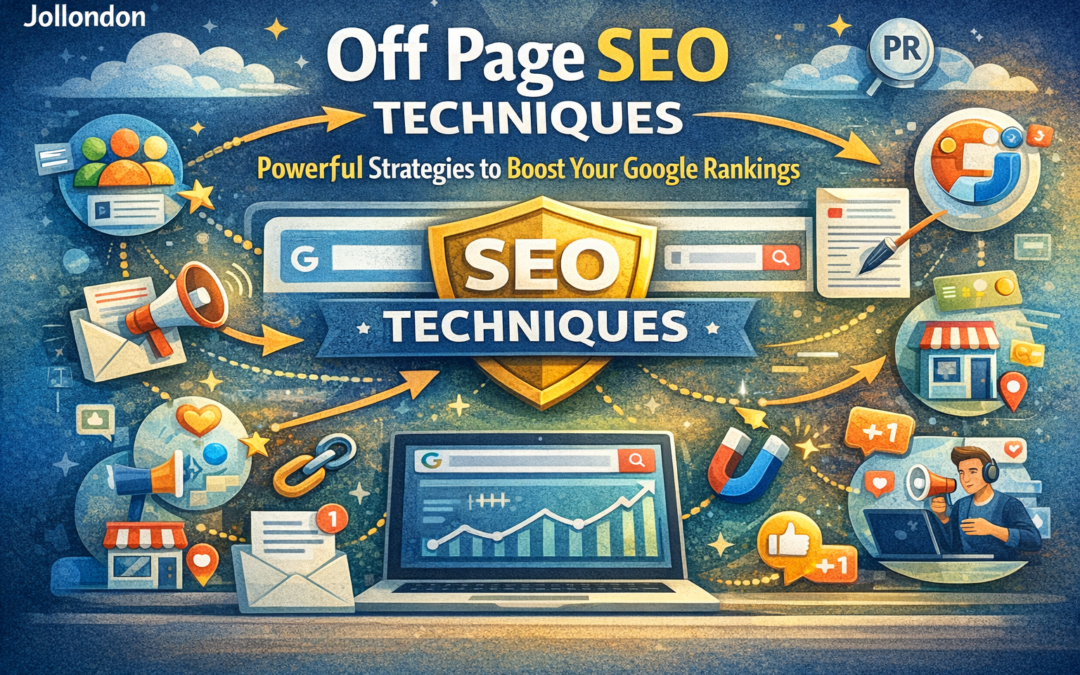
If you want your website to rank higher on Google, simply optimizing your website is not enough. You also need powerful Off Page SEO techniques to build trust, authority and visibility across the web.

At Jollondon, we use proven off-page strategies that help businesses dominate search results, attract quality traffic and build long-term brand authority.

What Is Off Page SEO?

Off Page SEO refers to all SEO activities performed outside your website that impact your rankings, including:

  • Backlink building

  • Brand mentions

  • Social signals

  • Content promotion

  • Local citations

  • Online reputation management

Why Off Page SEO Is Important

Google uses off-page signals to decide:

  • How trustworthy your website is

  • How popular your brand is

  • Whether your content deserves top rankings

Strong off-page SEO leads to:
✔ Higher rankings
✔ More traffic
✔ Better brand recognition
✔ Increased sales & leads

Top Off Page SEO Techniques for 2025 & Beyond

High-Quality Backlink Building

Backlinks remain the strongest ranking factor. Focus on:

  • Guest posting

  • Editorial mentions

  • Industry directories

  • Niche blogs

Quality matters more than quantity.

Brand Mentions & Digital PR

Google recognizes your brand even without links. Build your brand through:

  • Press releases

  • Media coverage

  • Influencer marketing

  • Podcast features

Content Marketing & Promotion

Create valuable content and promote it through:

  • Email marketing

  • Blogger outreach

  • Content syndication

  • Social media sharing

Social Media Signals

Active social profiles increase visibility and engagement, helping Google trust your brand.

Local SEO & Citations

For local businesses:

  • Google Business Profile

  • NAP consistency

  • Local directories

  • Customer reviews

Online Reviews & Reputation

Positive reviews build trust and increase conversions while boosting local rankings.

Forum & Community Engagement

Participate in:

  • Quora

  • Reddit

  • Industry forums

Share helpful answers and build authority.

Influencer Outreach

Collaborating with influencers builds instant authority and traffic.

How Jollondon Implements Off Page SEO

At Jollondon, our off-page SEO strategy includes:

✔ Authority backlink campaigns
✔ Brand trust building
✔ Digital PR & outreach
✔ Local SEO management
✔ Reputation optimization
✔ Traffic & conversion growth

We don’t chase shortcuts — we build SEO assets that grow stronger over time.

Final Thoughts

If you want long-term rankings, traffic and business growth, you must invest in smart Off Page SEO techniques. Combined with strong on-page SEO, off-page SEO creates unstoppable search visibility.

Let Jollondon handle your SEO growth while you focus on your business.

FAQs

What are the best off page SEO techniques?

Backlinks, brand mentions, content promotion, social signals and local SEO.

How long does off page SEO take?

Results usually appear within 3–6 months depending on competition.

Can Jollondon manage my off page SEO?

Yes — Jollondon offers complete SEO solutions for sustainable growth.

Google Ranking Factors for 2026

Google Ranking Factors for 2026

Google Ranking Factors for 2026 | Complete SEO Guide – Jollondon

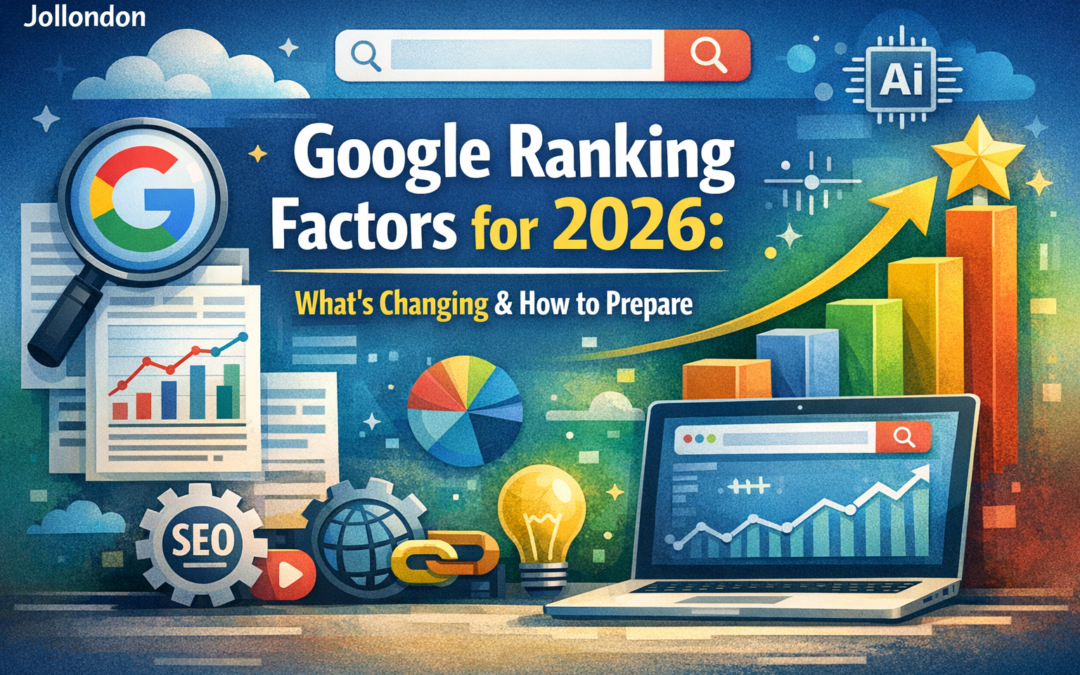
As Google’s algorithm becomes more advanced each year, understanding the Google Ranking Factors for 2026 is essential for businesses that want to stay competitive online. At Jollondon, we help companies future-proof their websites using data-driven SEO strategies designed for upcoming algorithm updates.

This guide explains what Google will prioritize in 2026 and how you can prepare today.

Why Google Ranking Factors for 2026 are Changing

Google’s mission is simple:
Deliver the most helpful, trustworthy and relevant content to users.

In 2026, ranking will depend more than ever on:

  • User experience

  • Content quality

  • Technical performance

  • Trust & authority

  • AI-driven signals

Top Google Ranking Factors for 2026

AI-Driven Search Understanding

Google’s AI will evaluate:

  • Search intent accuracy

  • Content depth & clarity

  • Topic authority

  • User satisfaction signals

Your content must directly answer user questions with helpful, structured information.

EEAT: Experience, Expertise, Authority, Trust

In 2026, Google strongly rewards websites that show:

  • Real experience in the industry

  • Expertise in the subject matter

  • Authority through quality backlinks

  • Trustworthiness via security, reviews, and transparency

User Experience (UX) & Core Web Vitals

Page experience remains a major ranking factor:

  • Page speed

  • Mobile responsiveness

  • Visual stability

  • Interaction performance

A smooth experience increases rankings and conversions.

Helpful Content System

Google favors content that:

  • Solves real problems

  • Provides original insights

  • Avoids keyword stuffing

  • Is written for humans, not bots

Search Intent Optimization

Matching the user’s intent will outperform keyword usage alone:

  • Informational

  • Navigational

  • Commercial

  • Transactional

Topical Authority & Content Clusters

Websites that deeply cover a subject will dominate search results.
Build topic clusters instead of single blog posts.

Technical SEO Foundation

Strong rankings require:

  • Clean site architecture

  • Proper indexing

  • Structured data

  • Secure HTTPS

  • Optimized crawl budget

High-Quality Backlinks

Authority backlinks remain powerful in 2026.
Focus on:

  • Industry-relevant links

  • Natural editorial mentions

  • Brand citations

Local SEO & Entity Signals

Google is heavily focused on local intent:

  • Google Business Profile optimization

  • NAP consistency

  • Reviews & reputation

  • Location relevance

AI Overview & Featured Snippets Optimization

To appear in AI summaries:

  • Use clear headings

  • Short concise answers

  • Lists & bullet points

  • FAQ sections

How Jollondon Prepares You for 2026 Rankings

At Jollondon, our SEO framework includes:

✔ AI-optimized content strategy
✔ Technical SEO audits
✔ Conversion-focused UX design
✔ Authority link building
✔ Local SEO domination
✔ AI Overview optimization

We don’t chase algorithms — we build long-term ranking systems.

Final Thoughts

The Google Ranking Factors for 2026 demand smarter strategies, deeper content and better experiences. Businesses that adapt now will dominate search tomorrow.

If you want your website to rank higher, convert better, and grow faster, Jollondon is your digital growth partner.

FAQs

What is the most important Google ranking factor in 2026?

User experience, helpful content, and EEAT signals.

Does AI affect SEO in 2026?

Yes, Google’s AI heavily influences ranking through content quality and user satisfaction.

How can Jollondon help my business rank?

We provide complete SEO, content, technical and growth strategies tailored for future algorithms.